4.8 (App Store)
4.8 (App Store)
Plan your day
in seconds
Plan your day
in seconds
Plan your day
in seconds
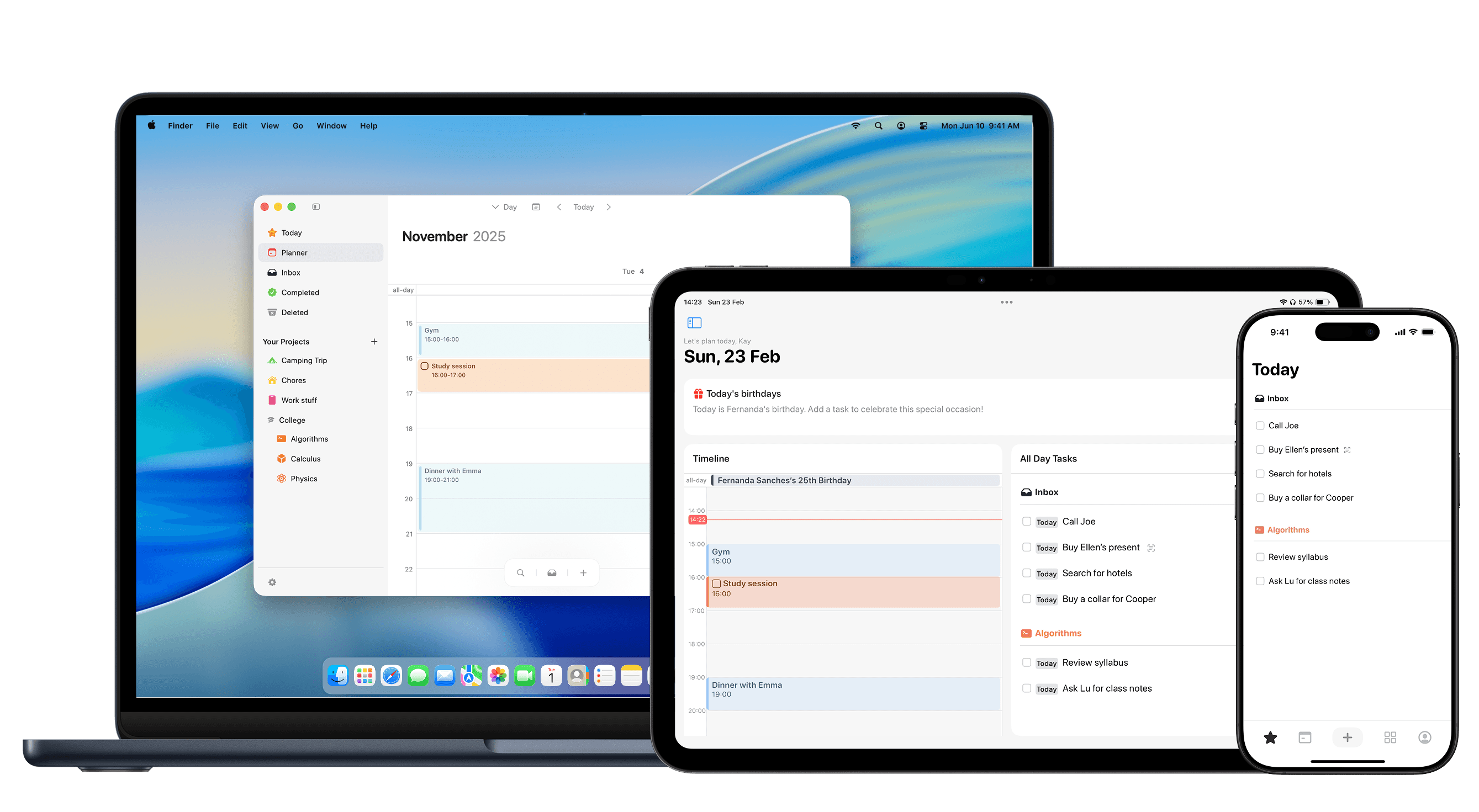
It's normal to not be productive when you don't have a clear system. Flick is here to help with your planning.
Task management,
made easy
Task management,
made easy
Task management,
made easy
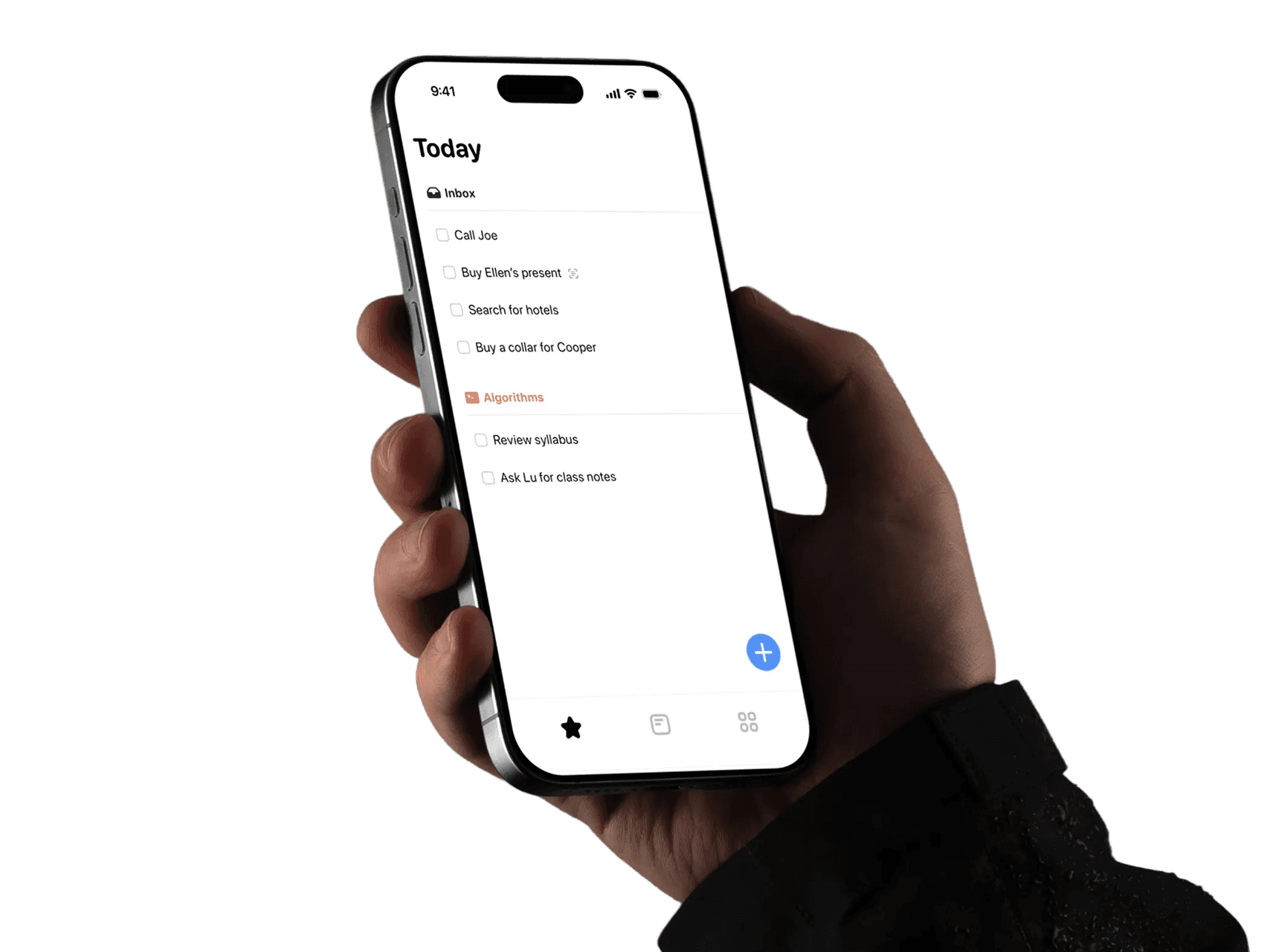
Say goodbye to scattered to-do lists. Flick helps you manage your tasks and projects in one place, offering a seamless way to plan your day and week.
Say goodbye to scattered to-do lists. Flick helps you manage your tasks and projects in one place, offering a seamless way to plan your day and week.
Say goodbye to scattered to-do lists. Flick helps you manage your tasks and projects in one place, offering a seamless way to plan your day and week.
Get tasks, ideas and thoughts out of your head and into one trusted inbox.
Group tasks into projects, add dates and priorities, and let Flick keep track of what matters when.
Drag tasks onto your calendar to create realistic time blocks for deep work, errands and everything in between.
Built for real-life
planning
Built for real-life
planning
Flick combines task management, projects, and timeblocking in one place, so you can stop bouncing between apps and start moving things forward.
Flick combines task management, projects, and timeblocking in one place, so you can stop bouncing between apps and start moving things forward.
Flick combines task management, projects, and timeblocking in one place, so you can stop bouncing between apps and start moving things forward.
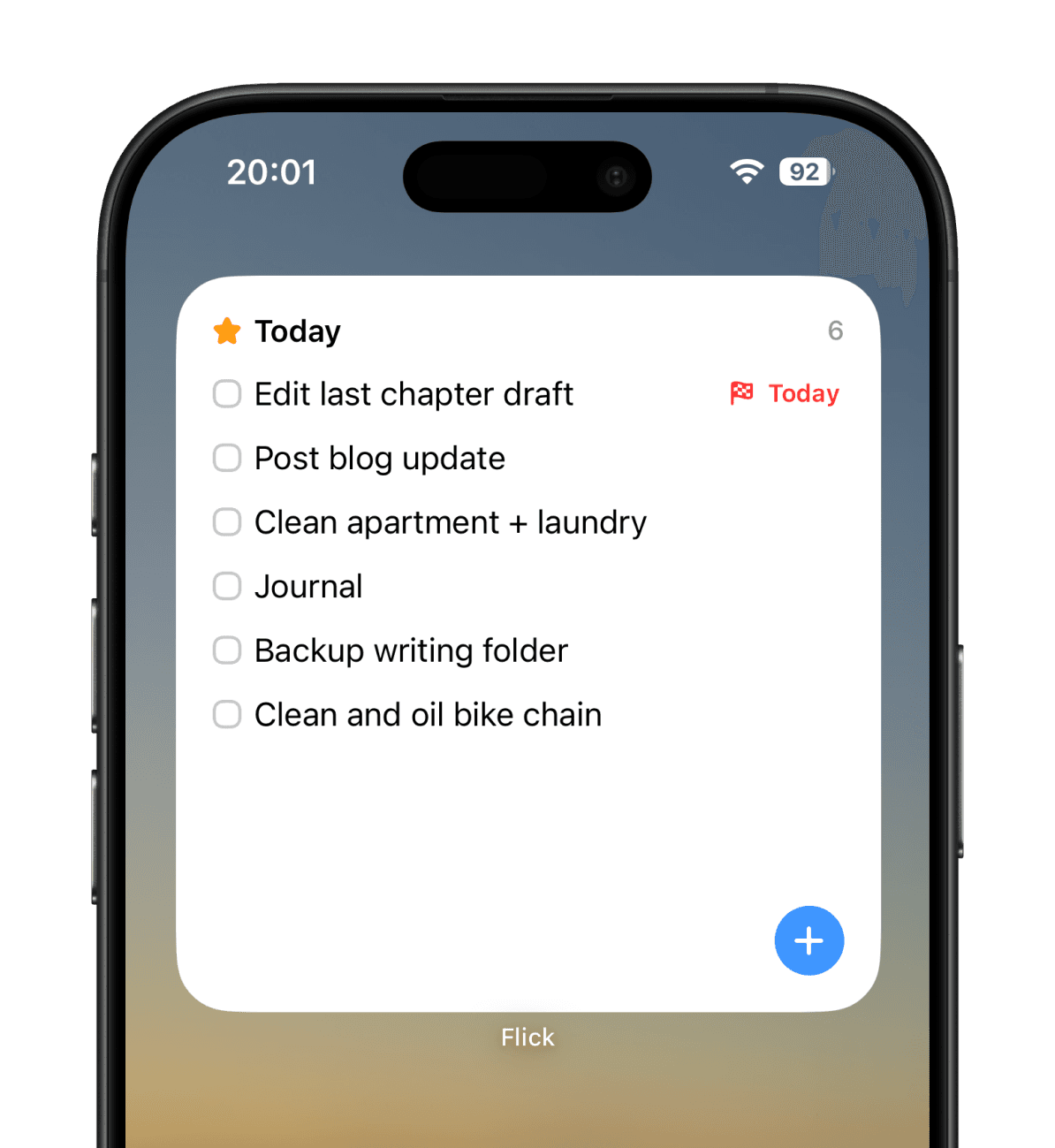
Your day at a glance through
insightful widgets.
Organize tasks inside
areas and projects.

Your calendar and tasks in a single place.
Timeblocking is now easier than ever.
Your calendar and tasks in a single place.
Timeblocking is now easier than ever.
Your calendar and tasks in a single place.
Timeblocking is now easier than ever.
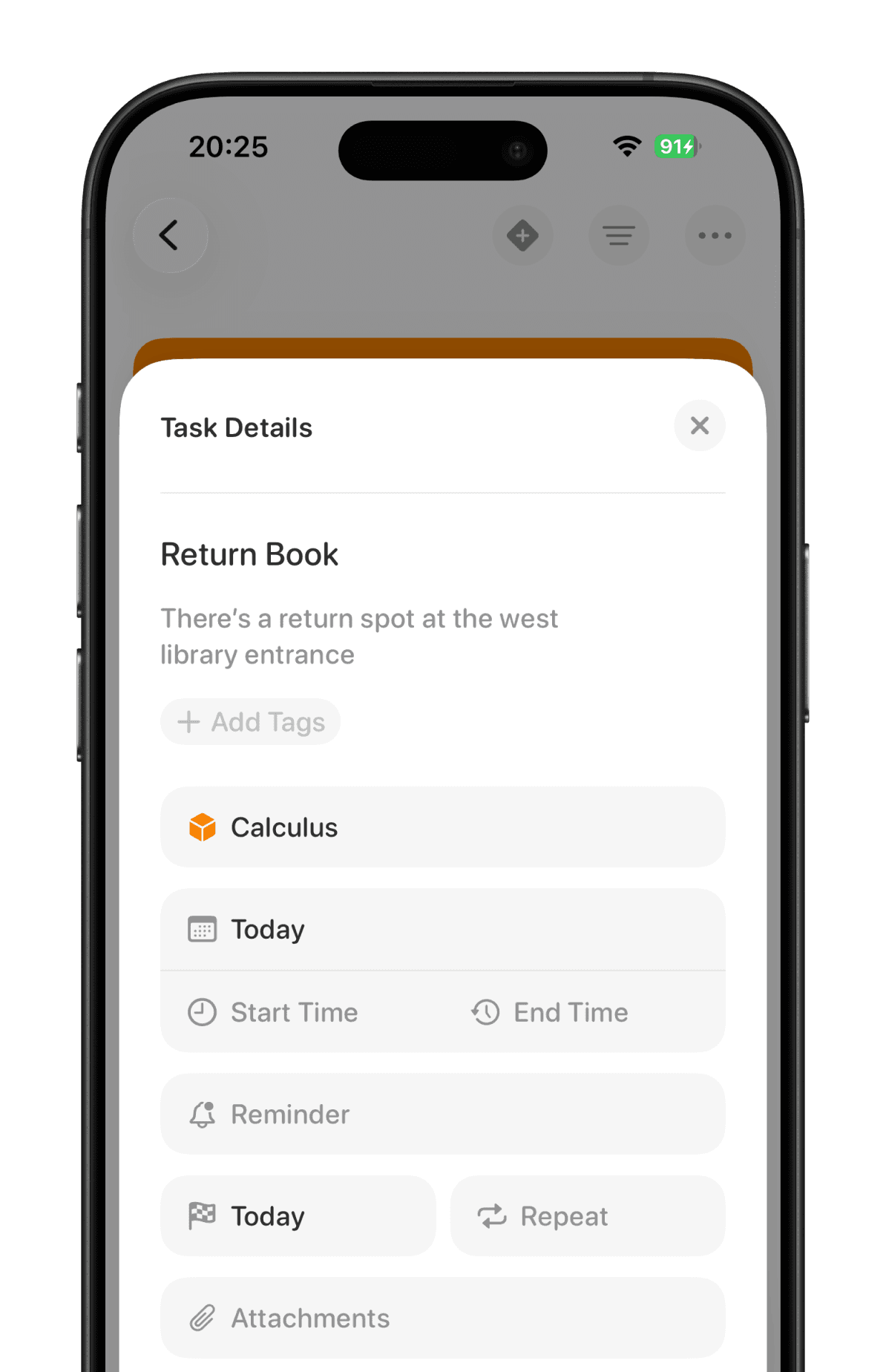
Notes, deadlines and reminders so you never
forget those important tasks and details.
Notes, deadlines and reminders so you never forget those important tasks and details.
Notes, deadlines and reminders so you never forget those important tasks and details.
Natural Language Recognition
Natural Language Recognition
Natural Language Recognition
Add dates to your tasks while typing out their titles on your phone. No need for all of the selections every time.
Add dates to your tasks while typing out their titles on your phone. No need for all of the selections every time.
Add dates to your tasks while typing out their titles on your phone. No need for all of the selections every time.
Recurring Tasks
Recurring Tasks
Recurring Tasks
Whether it’s a daily habit, a weekly meeting, or a monthly bill, set tasks to repeat at your desired frequency.
Whether it’s a daily habit, a weekly meeting, or a monthly bill, set tasks to repeat at your desired frequency.
Whether it’s a daily habit, a weekly meeting, or a monthly bill, set tasks to repeat at your desired frequency.
Alarm Reminders
Alarm Reminders
Alarm Reminders
Set up alarms for your tasks, so that there's no chance of missing something important.
Set up alarms for your tasks, so that there's no chance of missing something important.
Set up alarms for your tasks, so that there's no chance of missing something important.
Dates and Deadlines
Dates and Deadlines
Dates and Deadlines
Assign due dates and deadlines to your tasks, and visualize them in one organized view.
Assign due dates and deadlines to your tasks, and visualize them in one organized view.
Assign due dates and deadlines to your tasks, and visualize them in one organized view.
Task Attachments
Task Attachments
Task Attachments
Attach files, links, or images directly to your tasks to keep everything in one place.
Attach files, links, or images directly to your tasks to keep everything in one place.
Attach files, links, or images directly to your tasks to keep everything in one place.
Project Sections
Project Sections
Project Sections
Divide your tasks into logical categories within a project to keep everything organized and easy to manage.
Divide your tasks into logical categories within a project to keep everything organized and easy to manage.
Divide your tasks into logical categories within a project to keep everything organized and easy to manage.
Plan around your focus
Plan around your focus
You don't have to bother about spreadsheets or databases. Flick already takes care of setting up a structure you can simply use.
You don't have to bother about spreadsheets or databases. Flick already takes care of setting up a structure you can simply use.
You don't have to bother about spreadsheets or databases. Flick already takes care of setting up a structure you can simply use.
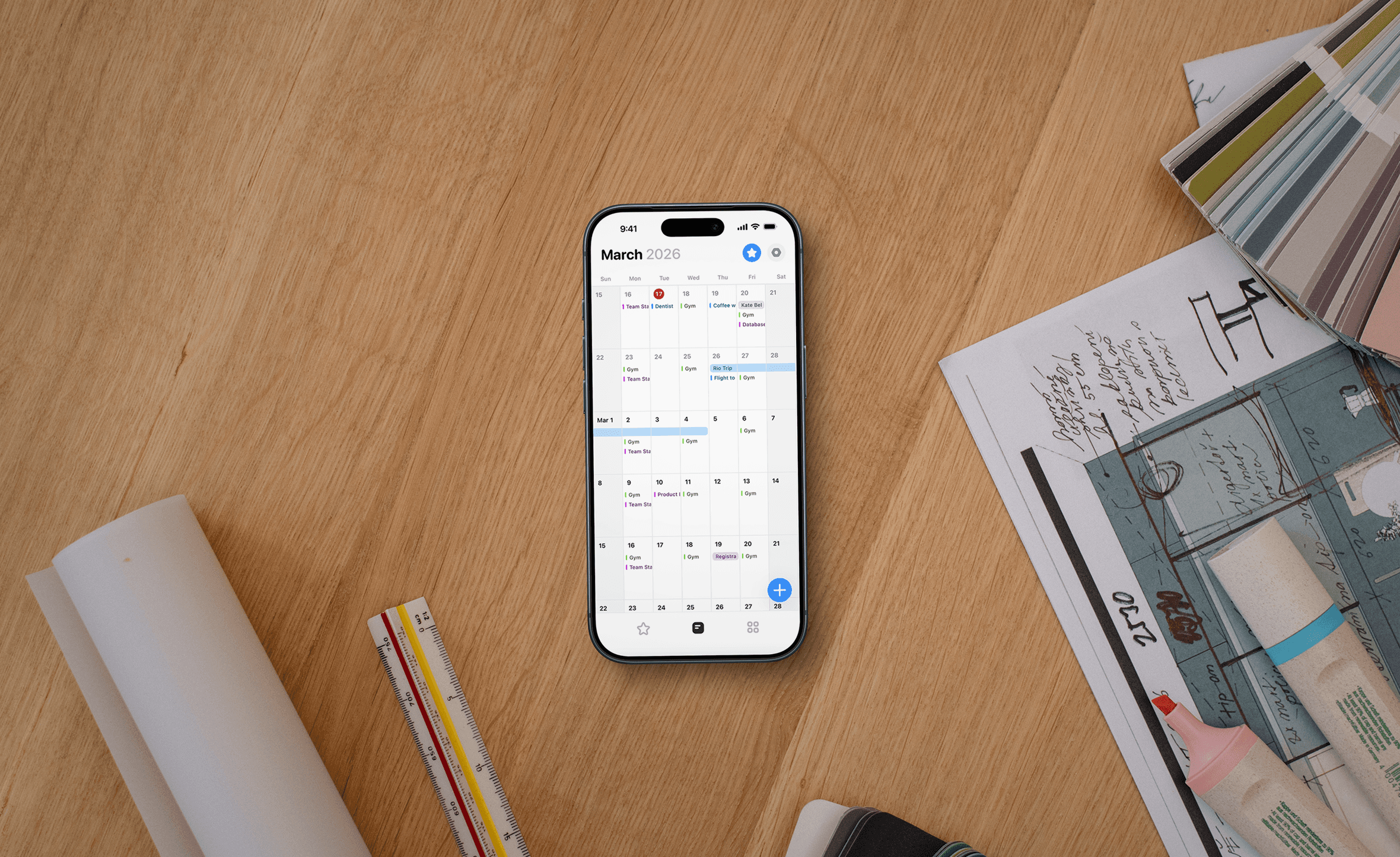
A fully fledged calendar that
helps you plan ahead
A fully fledged calendar that
helps you plan ahead
A fully fledged calendar that
helps you plan ahead
Overdue tasks automatically roll forward
so nothing gets lost.
Overdue tasks automatically roll forward so nothing gets lost.
Overdue tasks automatically roll forward so nothing gets lost.
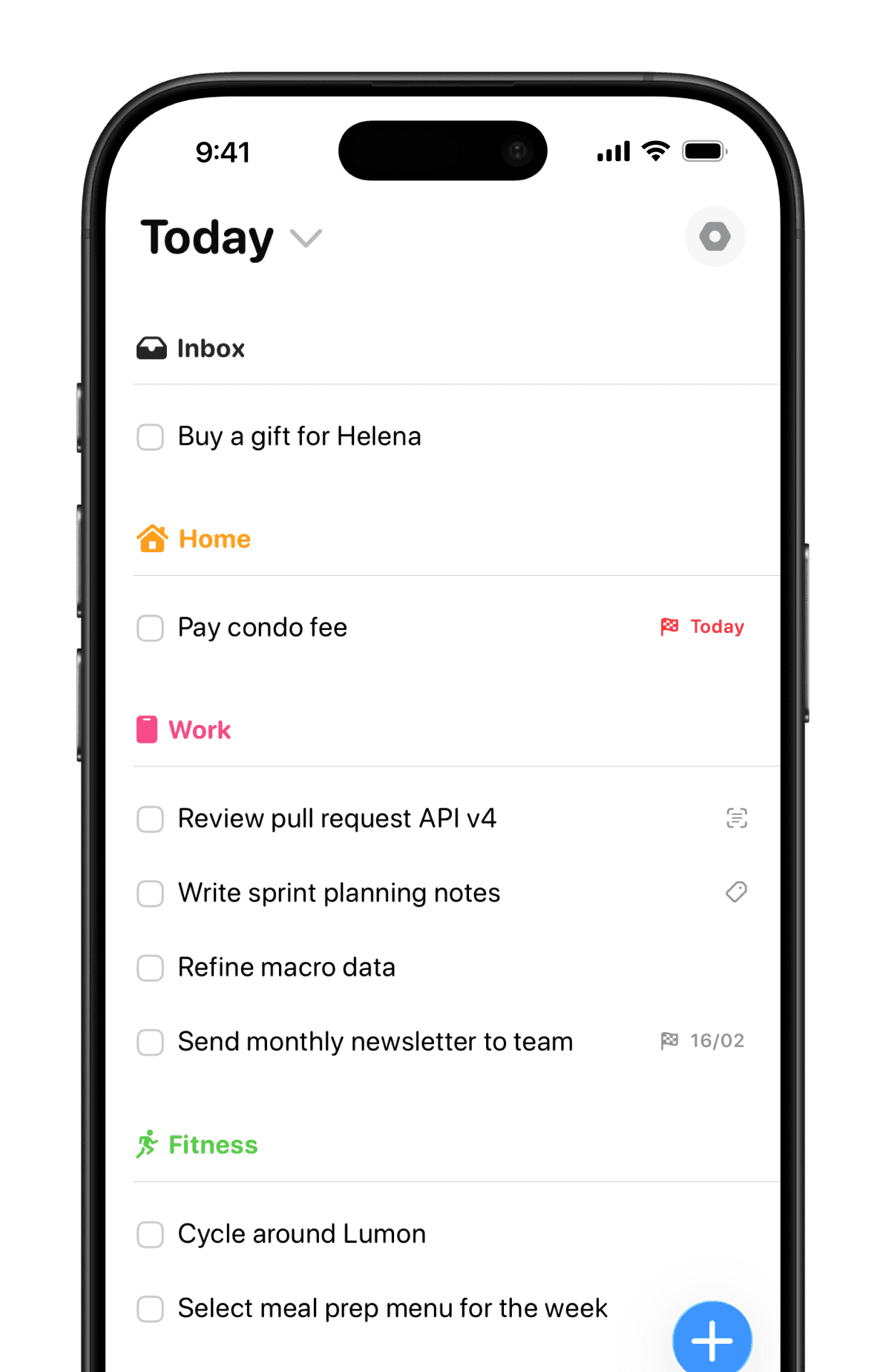
Available for multiple Apple devices, so you can start on your Mac and continue on your iPhone.